Redact PDF & Office documents online for free
Redact sensitive text and image content — automatically and with manual control — from PDF, Word, Excel documents and 100+ other file formats directly in your web browser. GDPR-compliant and without registration. Your demo uploads are automatically deleted at the end of the session.
- 100% Free
- No registration
- No data storage
- No ads
- GDPR-compliant
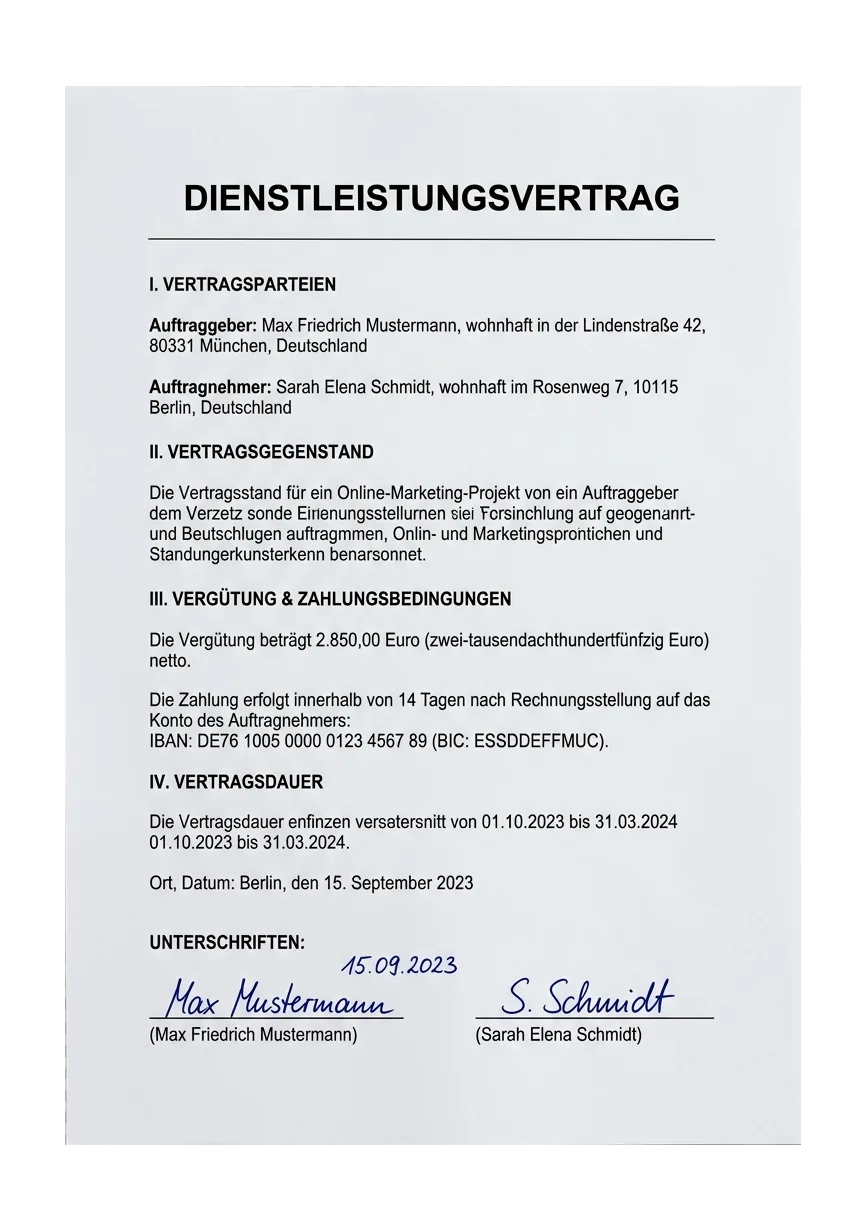
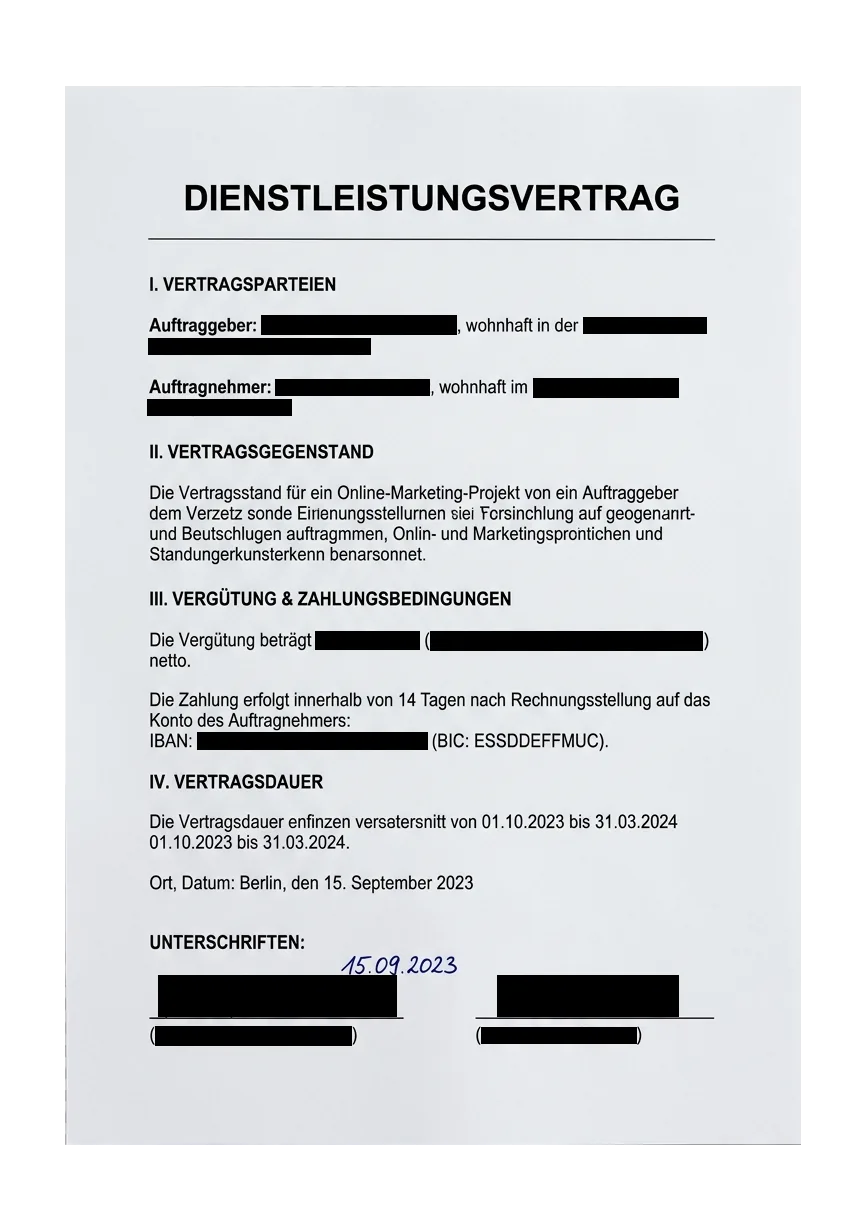
Fully removed — not just covered
Black, colored or highlighted marks actually remove the content from the file — four styles, three redaction methods.
Between the company ████████ GmbH, represented by ██████████, address █████████████, █████ Munich
and Docuflair Solutions AG, IBAN ████████████████████
Compensation: █████████ EUR
What is Docuflair Redact?
Docuflair Redact is an audit-proof redaction tool for businesses, public authorities and law firms. With the free online demo you can remove sensitive content (names, email addresses, IBAN, dates of birth, ID numbers) from PDF, Word, Excel and over 100 other file formats — directly in your browser, without installation and without registration.
Three steps to a redacted document
Supported file formats
PDF · DOCX · DOC · XLSX · XLS · PPTX · PPT · ODT · ODS · ODP · RTF · TXT · PNG · JPG · TIFF · BMP · GIF · HEIC · MSG · EML · and over 80 more
Why Docuflair Redact
How it compares
How does Docuflair Redact differ from common PDF tools? Overview of the core capabilities for professional, GDPR-compliant use.
| Feature | Docuflair Redact | Adobe Acrobat Pro | PDF24 | Smallpdf |
|---|---|---|---|---|
| On-premises hosting | Yes | No | Desktop only | No |
| Audit-proof hash chain | Yes | No | No | No |
| Automatic PII detection | Yes | Limited | No | No |
| Bulk processing (100+ formats) | Yes | PDF only | PDF only | PDF only |
| GDPR DPA (Art. 28) | Yes | On request | No | On request |
As of May 2026. Feature comparison based on publicly documented product information from each vendor.
Frequently asked questions
Are my files stored permanently?
No. Demo uploads are kept in memory only for the duration of the session and deleted afterwards. With the licensed on-premises edition, you decide on retention yourself.
Which personal data is detected automatically?
Email addresses, IBAN/BIC, phone numbers, postal addresses, personal names, dates of birth, ID and tax numbers as well as IP addresses. Custom terms and regex can be added.
Does redaction also work on scanned PDFs?
Yes. The built-in OCR (text recognition) processes scans and images, so embedded text can also be detected and redacted.
Can I use Docuflair Redact in my company?
Yes. A license is required for productive use with multi-user, full-text search, long-term archiving and audit logging. You can find details and pricing at docuflair.com/preise/schwaerzung.
Is redaction truly irreversible?
Correct. Unlike a black rectangle placed over the text, the original content is deleted from the file and replaced by the redaction pattern. Metadata and comments are cleaned up as well.